
In-Class Ideas
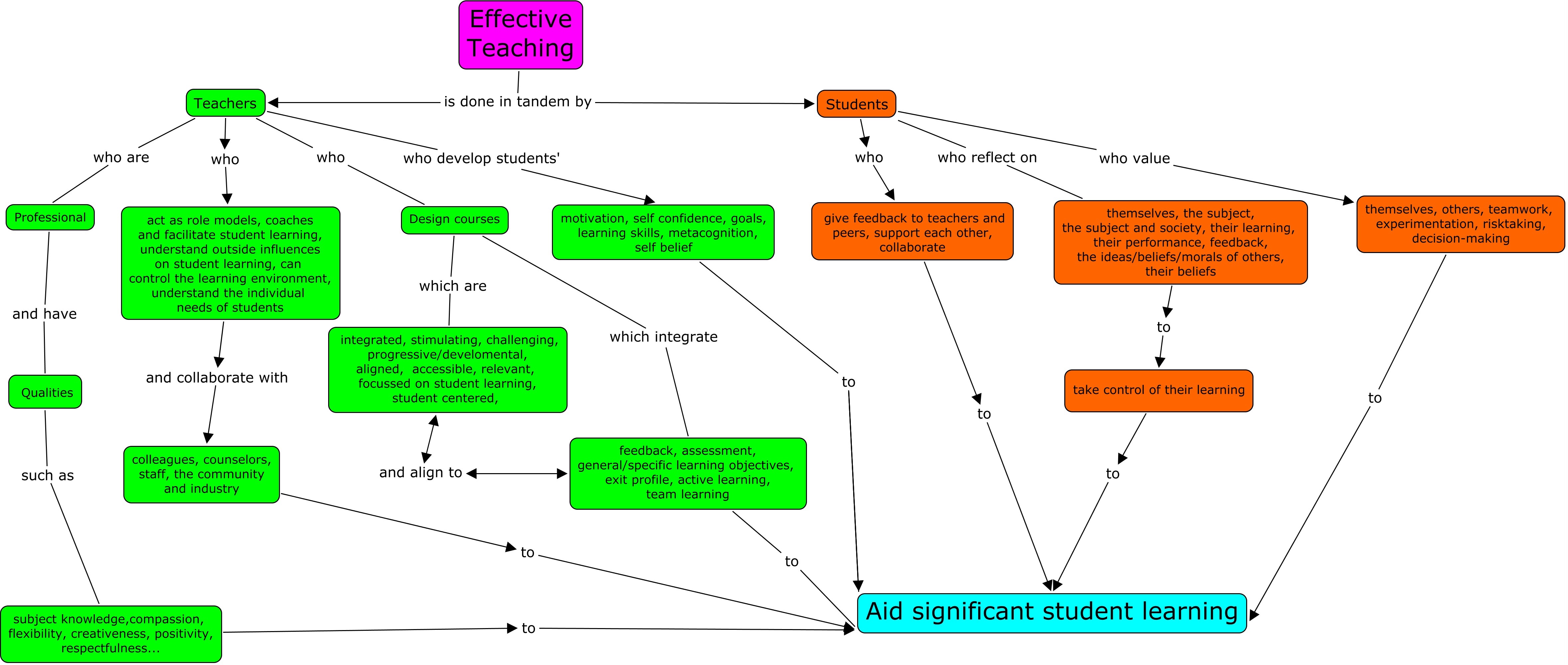
Concept Map on Effective Teaching and Student Learning
Concept or Mind Mapping
What is Concept Mapping?
Concept maps are visual representations of linkages/connections between a major concept and other knowledge students have learned. Concept maps are excellent tools that can provide instructors with valuable pre-assessment input prior to beginning a unit and formative assessments during learning activities. Concept maps also provide immediate visual data to instructors on student understanding and any misconceptions they have may. Angelo and Cross (1993) indicate that concept maps develop student abilities in certain critical areas. Among these are:
- The ability to draw reasonable inferences from observations
- The ability to synthesize and integrate information and ideas
- The ability to learn concepts and theories in the subject area
View: An Introduction to Concept Mapping
This video is an introduction to concept mapping. Includes examples from memory and philosophy.
View: Concept Map Teaching Technique
This video covers how Concept Maps are a diagram or drawing showing the conceptual relationship between several ideas or concepts. Learn more here: http://thinkingschoolsacademy.org/rigor/
View: Concept Maps - A Visual Study Tool
The Academic Success Centre at UOIT has created this presentation to provide you with tips for creating concept maps. The examples in the video are simple, but concept mapping is a study tool that is helpful when learning complex information. Concept Maps work well in many courses, especially science courses where there are many concepts that connect.
What is a Mind Map?
Mind maps are tools that help us think, review and remember more effectively as well as encourage more creative problem solving. Mind maps avoid thinking in a linear, more rigid way, instead, mind maps facilitate creative thinking, thinking outside the box, and tapping into new ways of thinking. Not all ideas can be organized into tidy outline formats, linear thinking in today’s more complex world can be too limiting. Mind maps expand our thinking.
Typically, students outline information in categories and sub categories, often copying directly from the book. An effective alternative to this approach is to have students learn mind mapping skills which can be accomplished either with pencil and paper (preferably unlined large sheets of blank paper) or using a software program (many of which are free).
The trick is to work quickly, initially, without pausing, judging or editing. If you pause, judge or edit, you’re encouraging more linear thinking. You need to encourage students to let their ideas flow and after they have completed their initial mind map, they can return to improve and perfect.
Concept and Mind Map Tools
- Bubbl.us – Brainstorming made simple. Bubbl is a visual thinking tool for structuring information.
- Google Drawings – A free, web-based diagramming software developed by Google. Users can collaborate and work together in real time to create flowcharts, organisational charts, website wireframes, mind maps, concept maps, and other types of diagrams.
- Cmap software is a result of research conducted at the Florida Institute for Human & Machine Cognition (IHMC). It empowers users to construct, navigate, share and criticize knowledge models represented as concept maps.
To learn more: Alternatives to Outlining: Mind- and Concept-Mapping (PDF)
Extend Your Learning
- Study Guides and Strategies – This is a particularly effective resource to have students use in order to learn more about specific strategies to integrate mind mapping for learning new concepts or reviewing already taught material. Students are actively engaged in the process of learning.
- Graphical Mind Mapping Tools – MindMapping.org – This site provides a list of mind map tools and diagramming tools
- What is visual thinking and visual learning? – Inspiration Software – Visual thinking is a learning style where the learner better understands and retains information when ideas, words and concepts are associated with images.
Check out these concept maps:
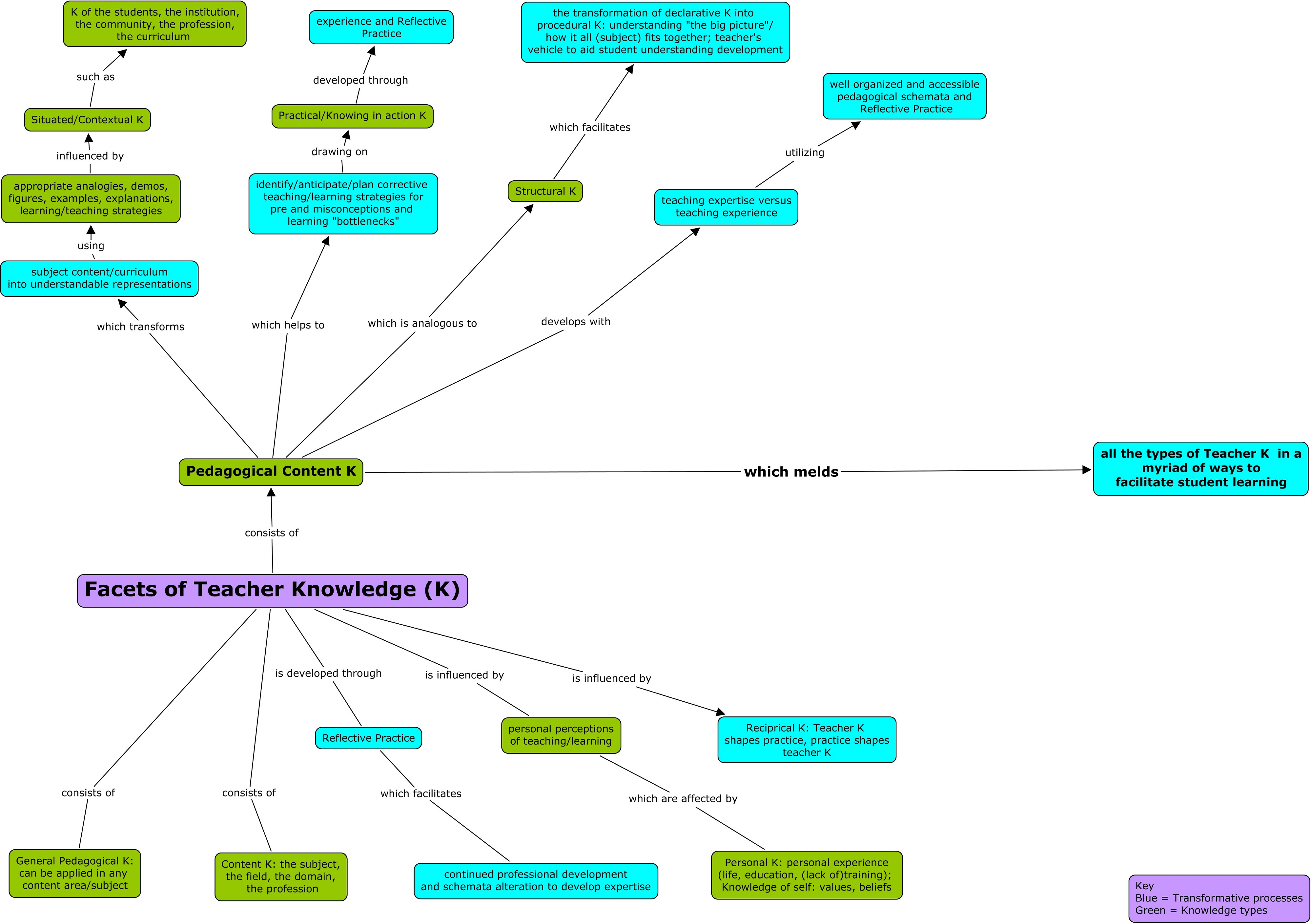
Concept Map on Facets of Teacher Knowledge
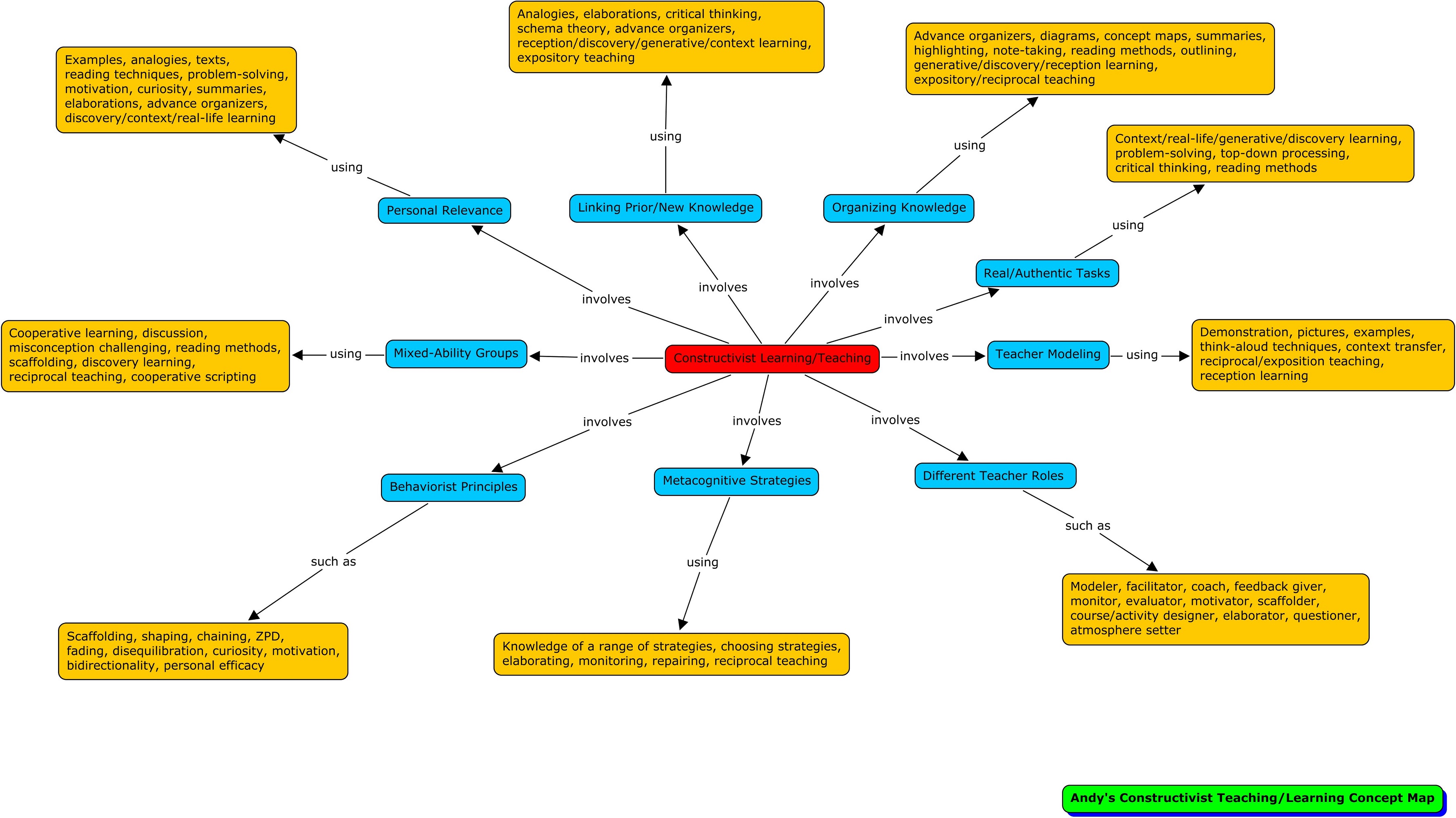
Concept Map on Constructivist Teaching and Learning
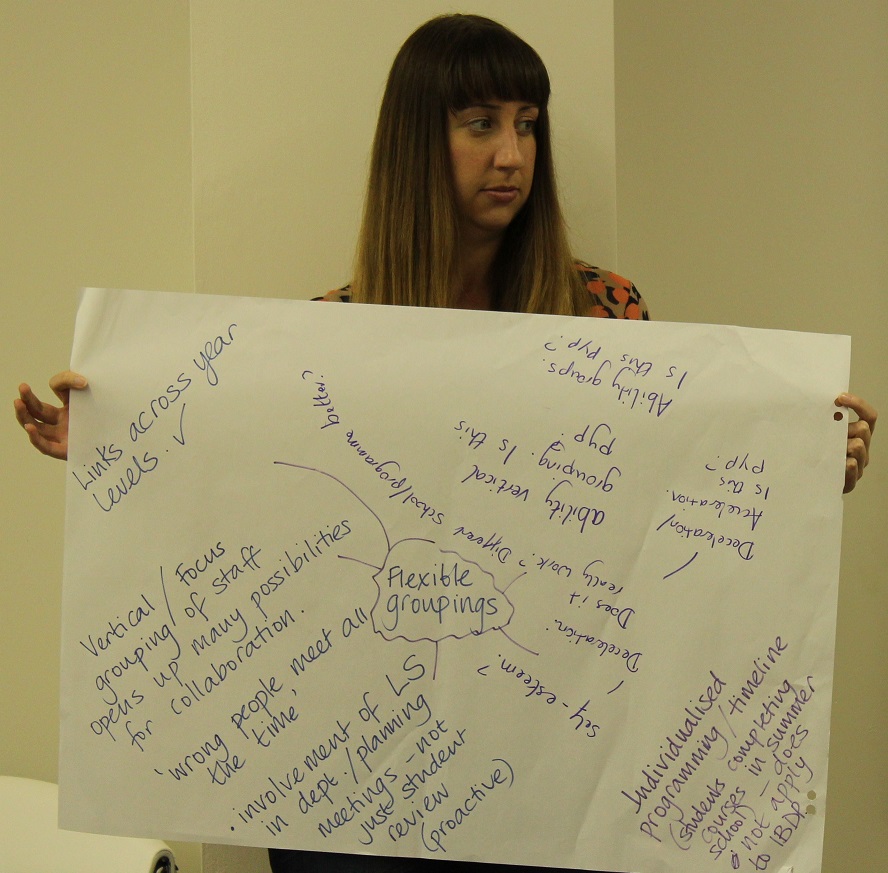
Paper and Pencil Concept / Mind Map on Flexible Groupings
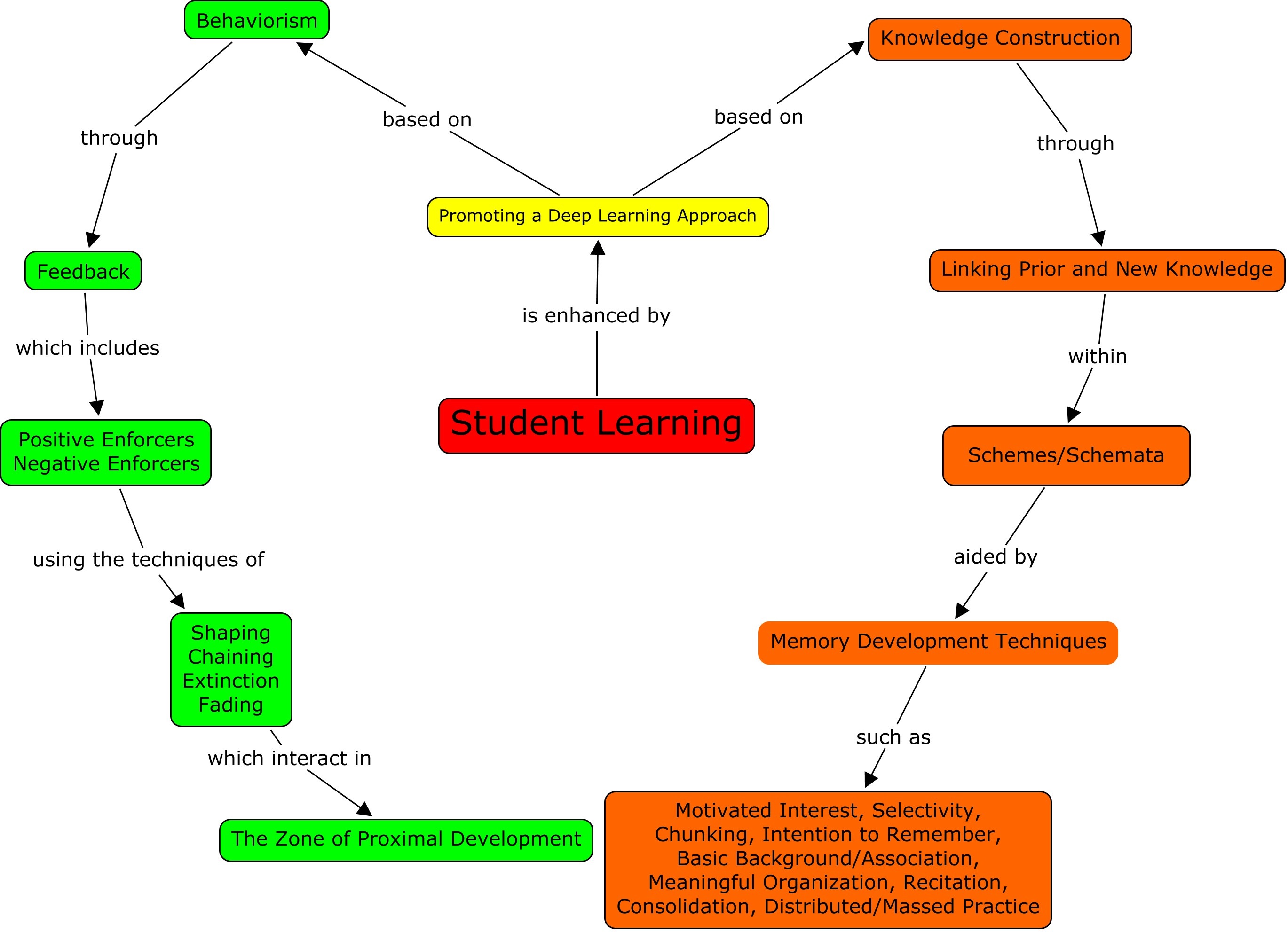
Concept Map on Student Learning